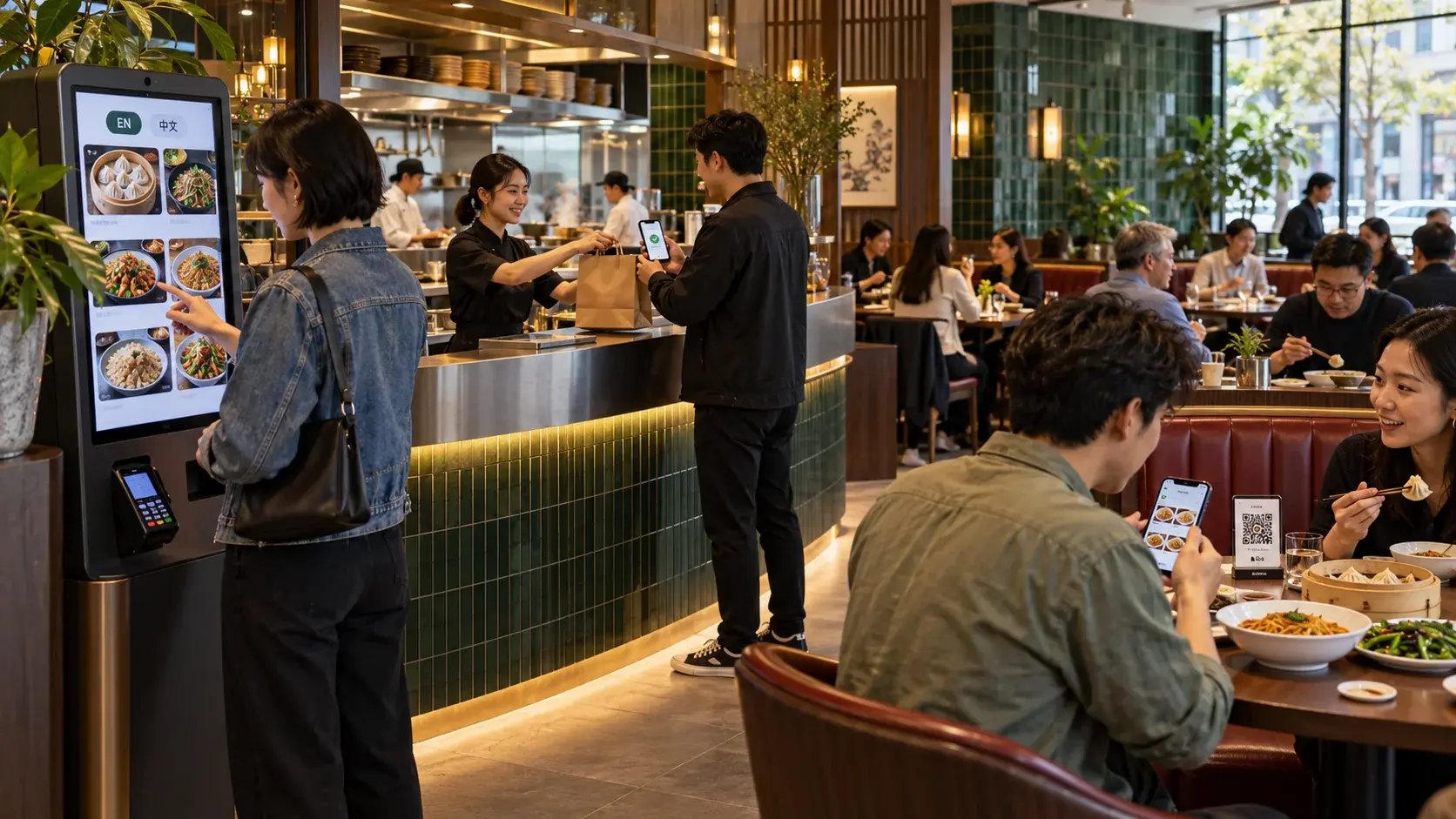
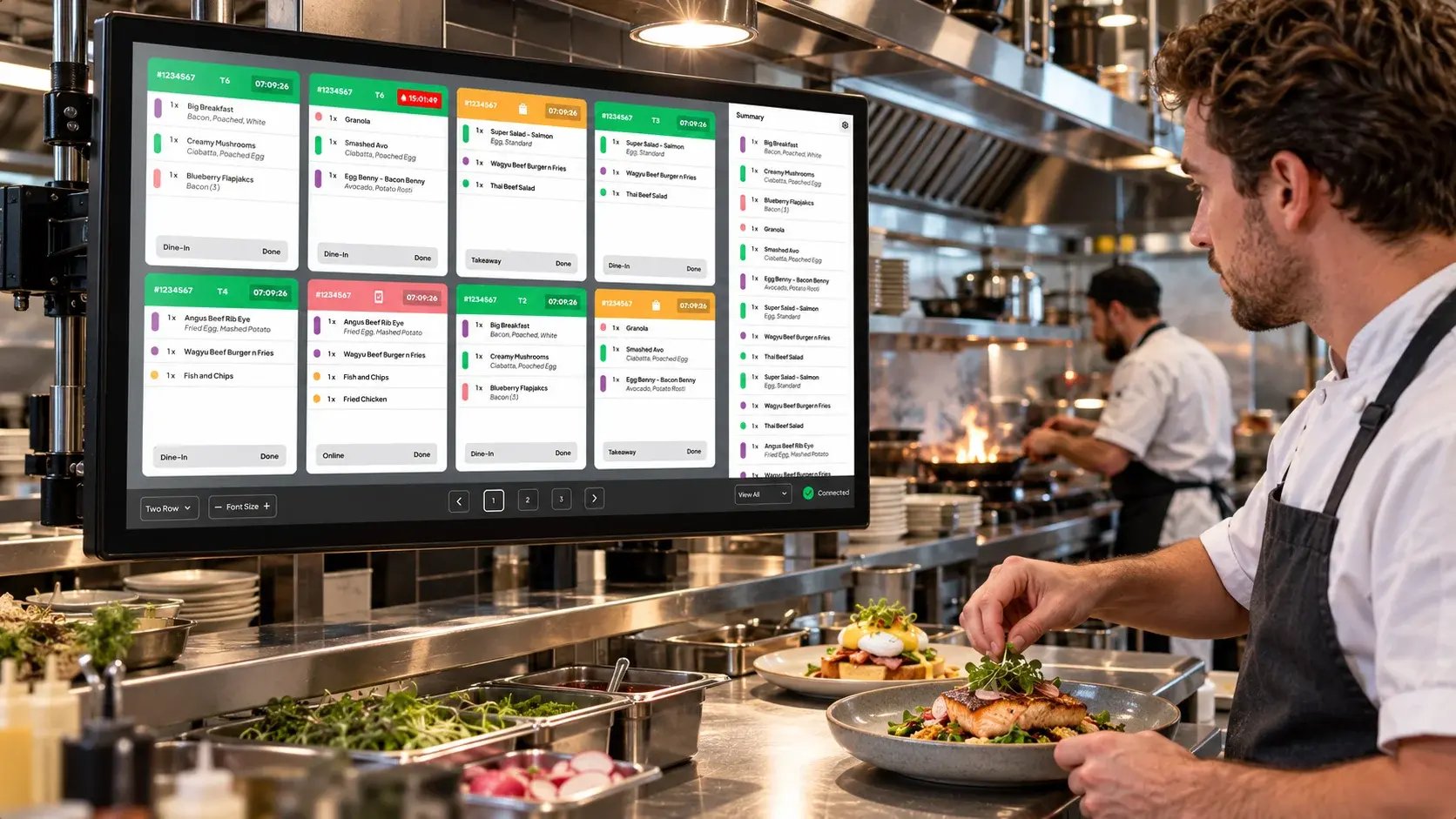
A kitchen display system (KDS) is a screen in the kitchen that shows each order as soon as it's placed, replacing printed tickets. Kitchen staff update each order's status on the screen, so everyone can see what's waiting, what's in progress and what's ready. Orders from the counter, kiosk, table and online all arrive in the same place.
How do orders reach the kitchen with a KDS?
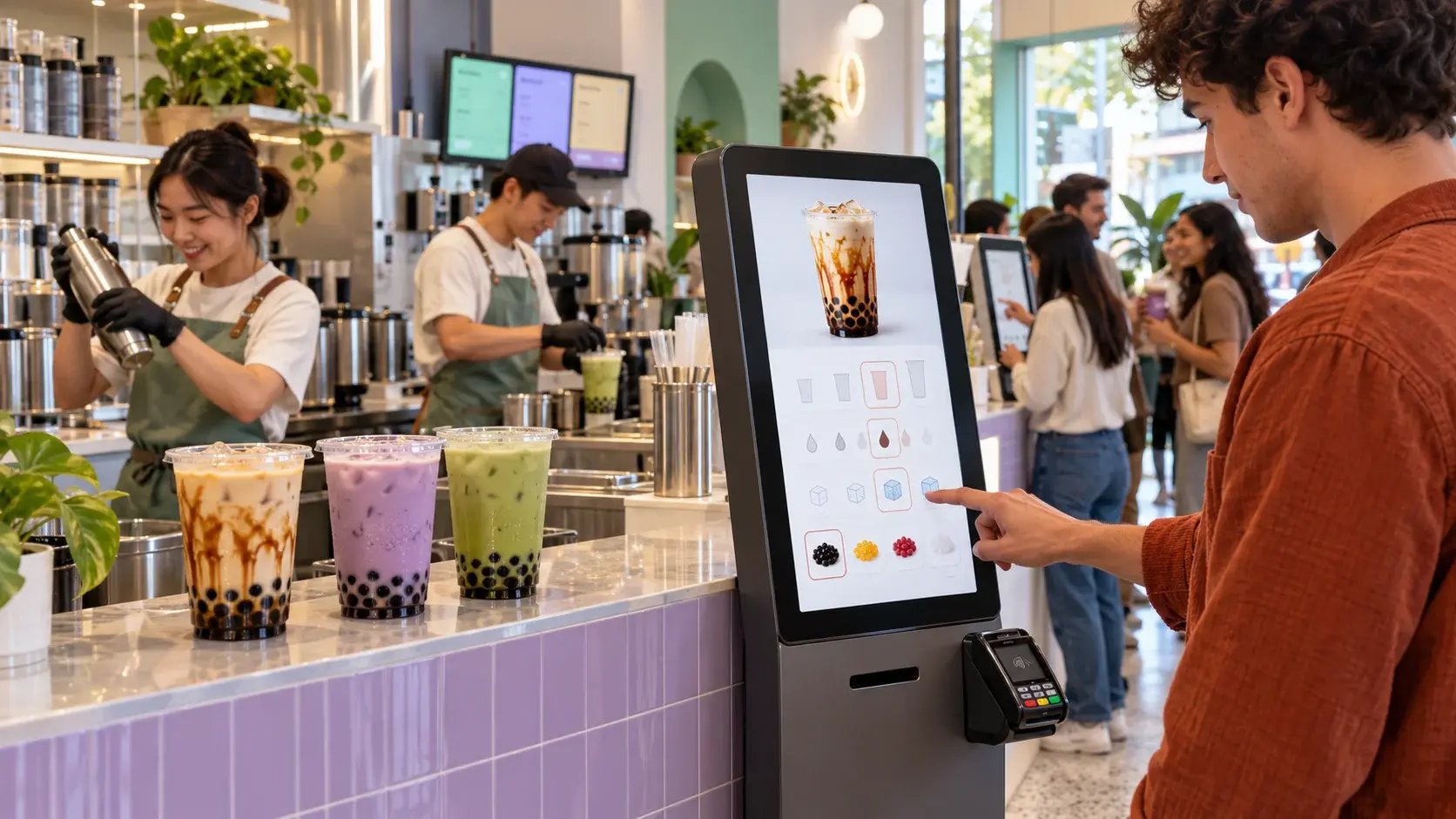
Without a KDS, orders usually reach the kitchen as printed tickets or are called out by front-of-house staff. With a KDS, each order is sent from the POS to the kitchen screen automatically. If you take orders through several channels, such as a self-service kiosk, table QR ordering or your restaurant website, they all appear on the same screen.
What does a KDS screen show?
Each order appears as a ticket on screen, showing the items and any options the customer chose. Orders are usually colour-coded by status or by how long they've been waiting, so staff can see at a glance which order needs attention next. When an order is ready, staff mark it complete on the screen.
Paper tickets vs a kitchen display system
| |
Printed tickets |
Kitchen display system |
| How orders arrive |
Printed in the kitchen or called out |
Shown on screen as soon as they're placed |
| Tracking progress |
Tickets moved or spiked by hand |
Status updated on screen |
| Orders from several channels |
Separate tickets or printers |
One screen for every channel |
| Timing information |
Not recorded |
Order and cook times can be tracked |
Why do orders get lost between the counter and the kitchen?
Lost or missed orders usually happen at a handoff: a ticket falls behind the printer, a verbal order is misheard, or an online order is printed in a different place from in-store orders. A KDS removes those handoffs by sending every order straight from the POS to one screen.
What should you check before installing a KDS?
- Every channel connects: Counter, kiosk, table and online orders should all appear on the same screen.
- Built for a kitchen: The screen should handle heat, grease and constant use.
- Easy to update: Staff should be able to change an order's status with a quick touch.
- Timing data: Look for cook time and performance reporting so you can spot slow periods.
About the Aimer Kitchen Display System
The Aimer Kitchen Display System is a rugged, large-format touchscreen for the kitchen. It offers colour-coded order tracking, real-time status updates, and performance analytics including cook times. It is fully integrated with Aimer POS.
Frequently asked questions
Does a KDS work with online orders?
With Aimer, orders from your restaurant website, kiosk and table QR ordering are all part of AutoFront and appear in the kitchen alongside counter orders.
Can I see how long orders take to prepare?
Yes. The Aimer Kitchen Display System includes performance analytics and cook times.
Is a KDS only for large kitchens?
No. Any kitchen that handles orders from more than one source, or has busy peaks, can use a KDS to keep track of what's coming in.
Book a demo to see the Aimer Kitchen Display System in action.