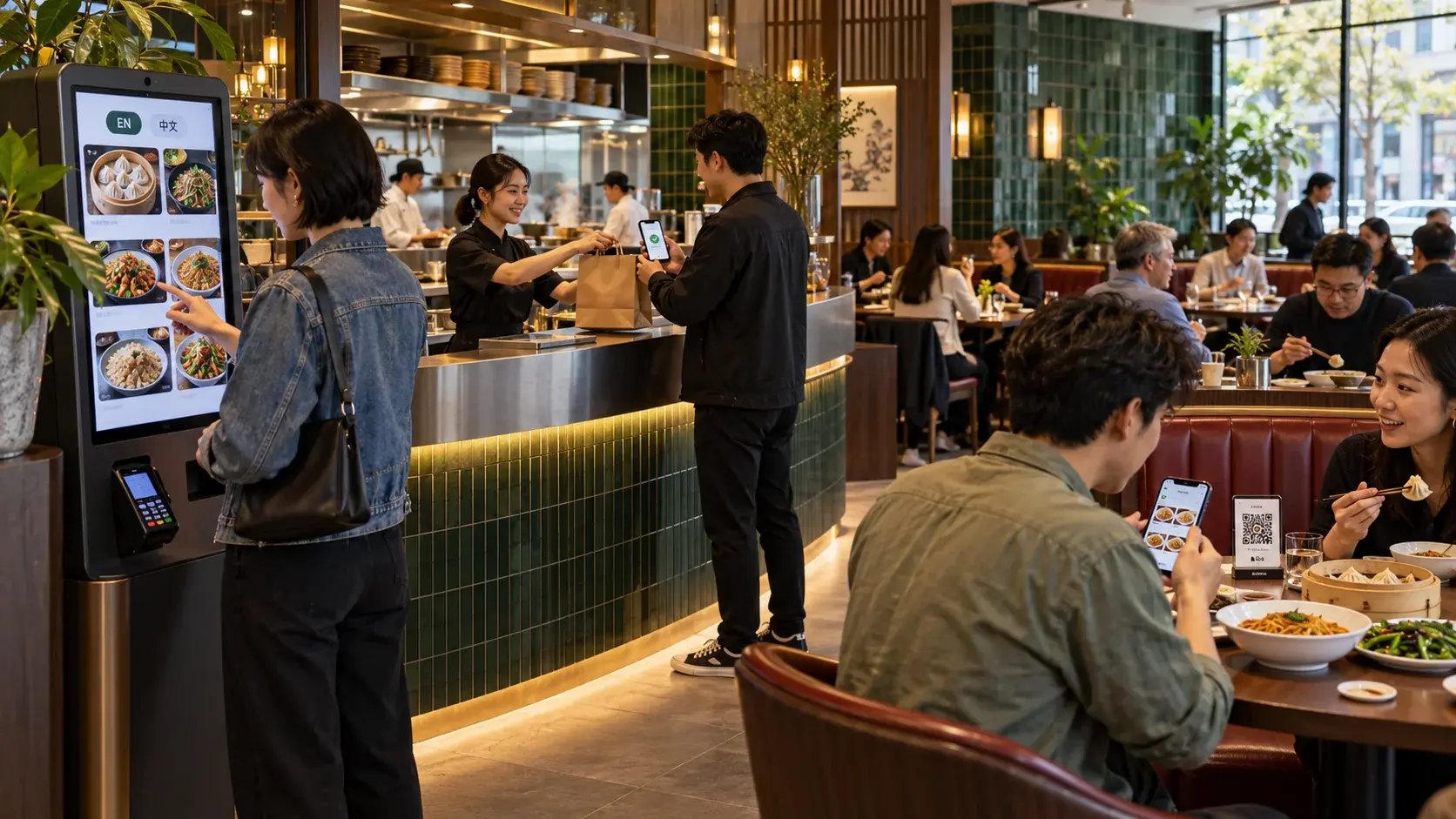
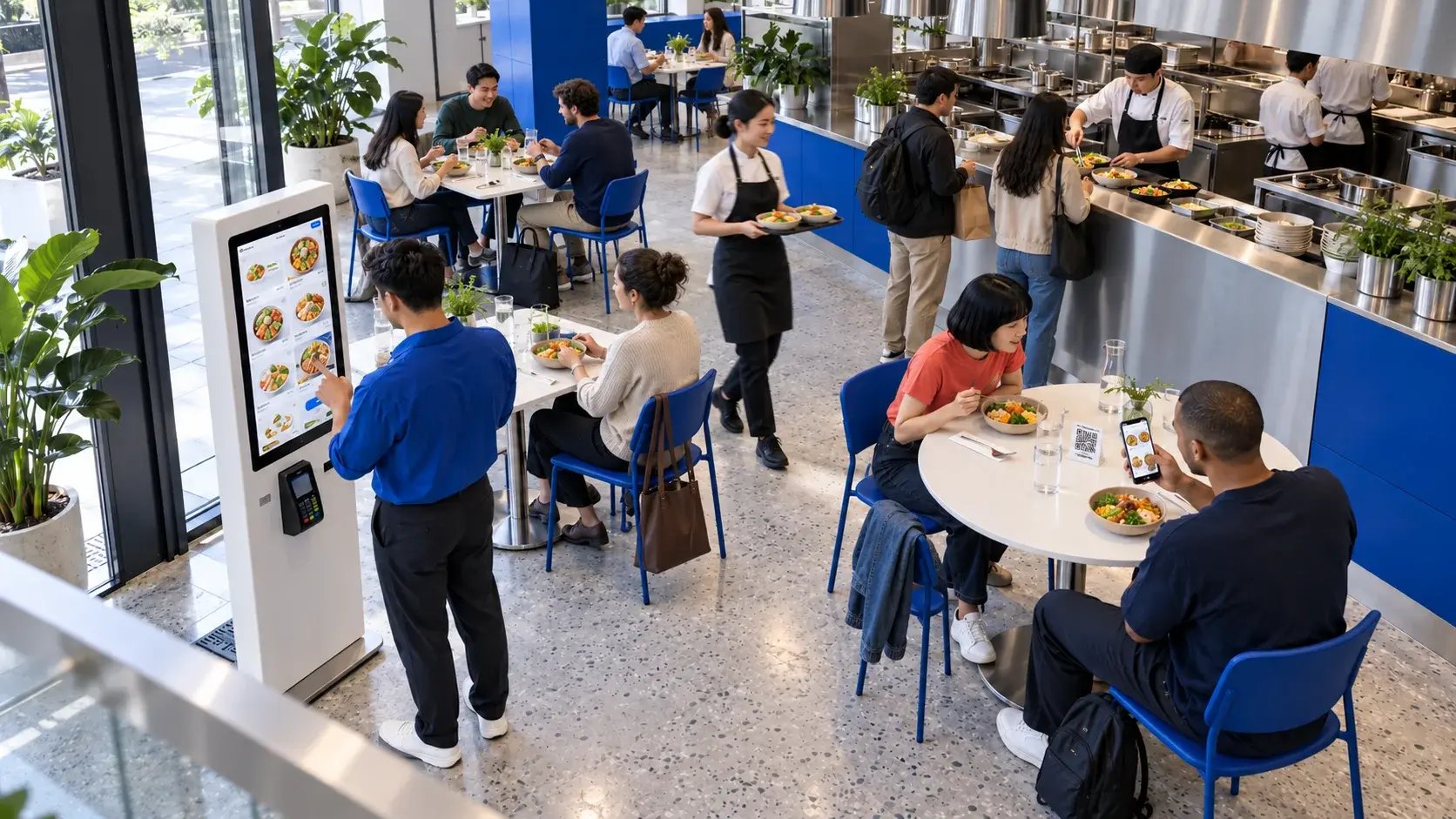
A self-service kiosk is a shared touchscreen at your counter or entrance, so it suits counter-service venues where customers order before they sit down or collect their food. Table QR ordering lets customers scan a code at their table and order from their own phone, so it suits dine-in venues. You can also use both, as long as orders from each go to the same kitchen.
How does a self-service kiosk work?
Customers walk up to a touchscreen, browse the menu, customise their order and pay on the spot by card, phone or QR code. The order goes straight to the kitchen, and the customer waits for their number. Read more in What Is a Self-Service Kiosk?
How does table QR ordering work?
Each table has a QR code. Customers scan it with their phone camera, and the menu opens in their browser with no app to download. They order and pay from their phone, and the order is sent to the kitchen with their table number. With Aimer Table QR Ordering, the menu is available in English, Chinese and more.
Kiosk vs table QR ordering at a glance
| Self-service kiosk | Table QR ordering |
|---|
| Where customers order | At the counter or entrance | At their table |
| Device used | Your touchscreen | The customer's own phone |
| Typical venue | Counter service, takeaway, bubble tea, food courts | Dine-in restaurants and cafés |
| Hardware you need | One or more kiosks | QR codes for each table |
| When customers pay | Before the order is made | When they order from the table |
Which suits a counter-service venue?
If most customers order, pay and then wait for their food, a kiosk fits the way they already move through your venue. It gives customers another place to order during peak hours, alongside your counter.
Which suits a dine-in venue?
If customers sit down first, table QR ordering lets them order as soon as they're seated, without waiting for staff to take the order. They can also add more items later from the same table.
Can you use a kiosk and table QR ordering together?
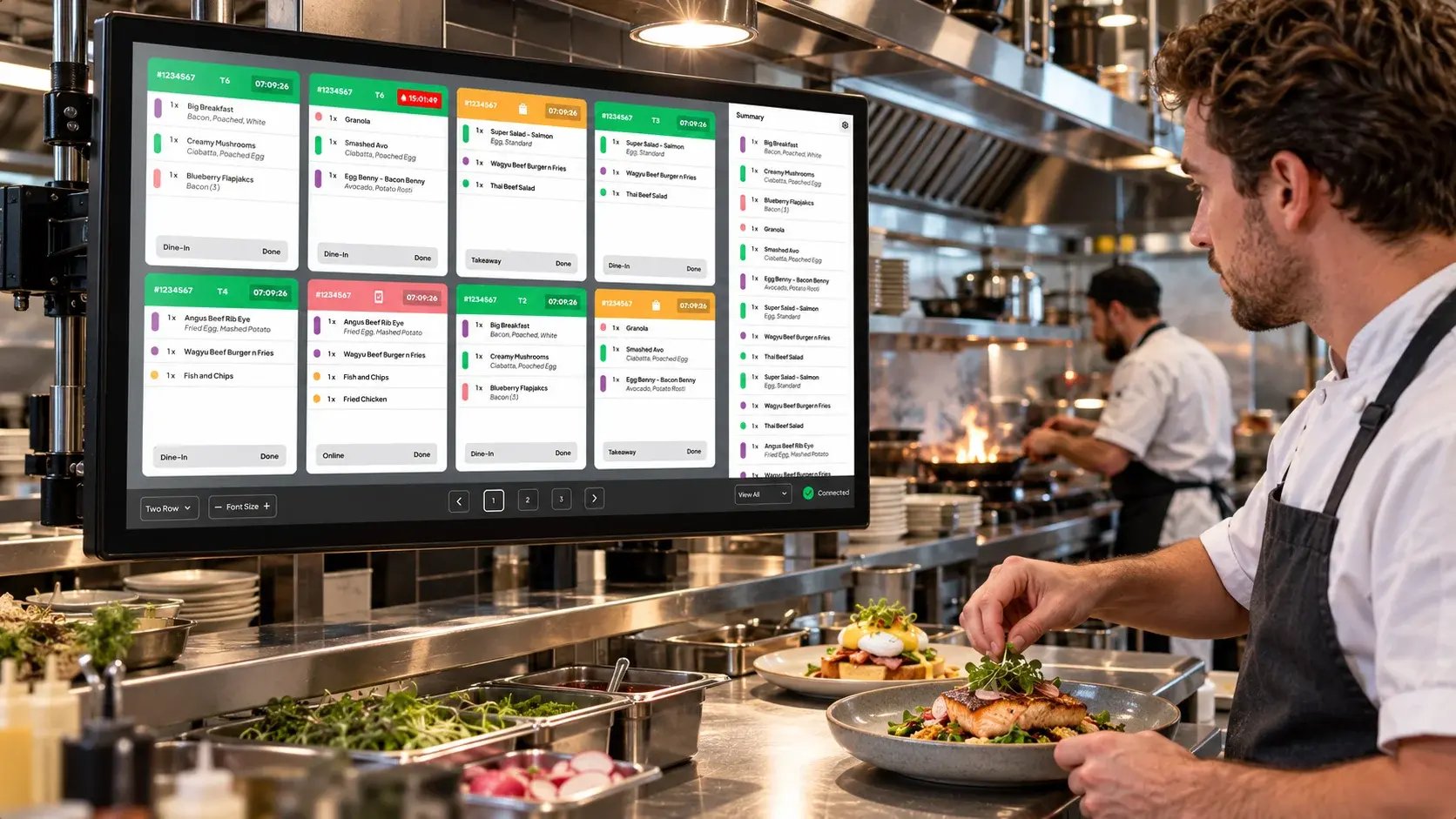
Yes. If you have both takeaway and dine-in customers, you can run a kiosk near the entrance and QR codes on the tables. The key is that both channels send orders to the same kitchen screen and the same reports. Aimer's Touch Kiosk and Table QR Ordering are both part of AutoFront, so orders from each reach the same Kitchen Display System.
Frequently asked questions
Do customers need to download an app for table QR ordering?
No. The menu opens in the phone's browser after scanning the code.
Can the QR menu show Chinese?
Yes. Aimer Table QR Ordering is available in English, Chinese and more.
What about customers without a smartphone?
Keep another way to order, such as your counter or a kiosk, so every customer can order the way they prefer.
Can the QR codes match my branding?
Yes. Aimer provides custom branded QR cards for your tables.
Book a demo to work out the right mix of kiosk and table ordering for your venue.