QR table ordering lets customers scan a code on their table, browse the menu on their own phone and order without waiting for staff. The menu opens in the phone's web browser, so there's no app to download. Customers can pay from their phone, and the order is sent to the kitchen with their table number.
How does QR table ordering work, step by step?
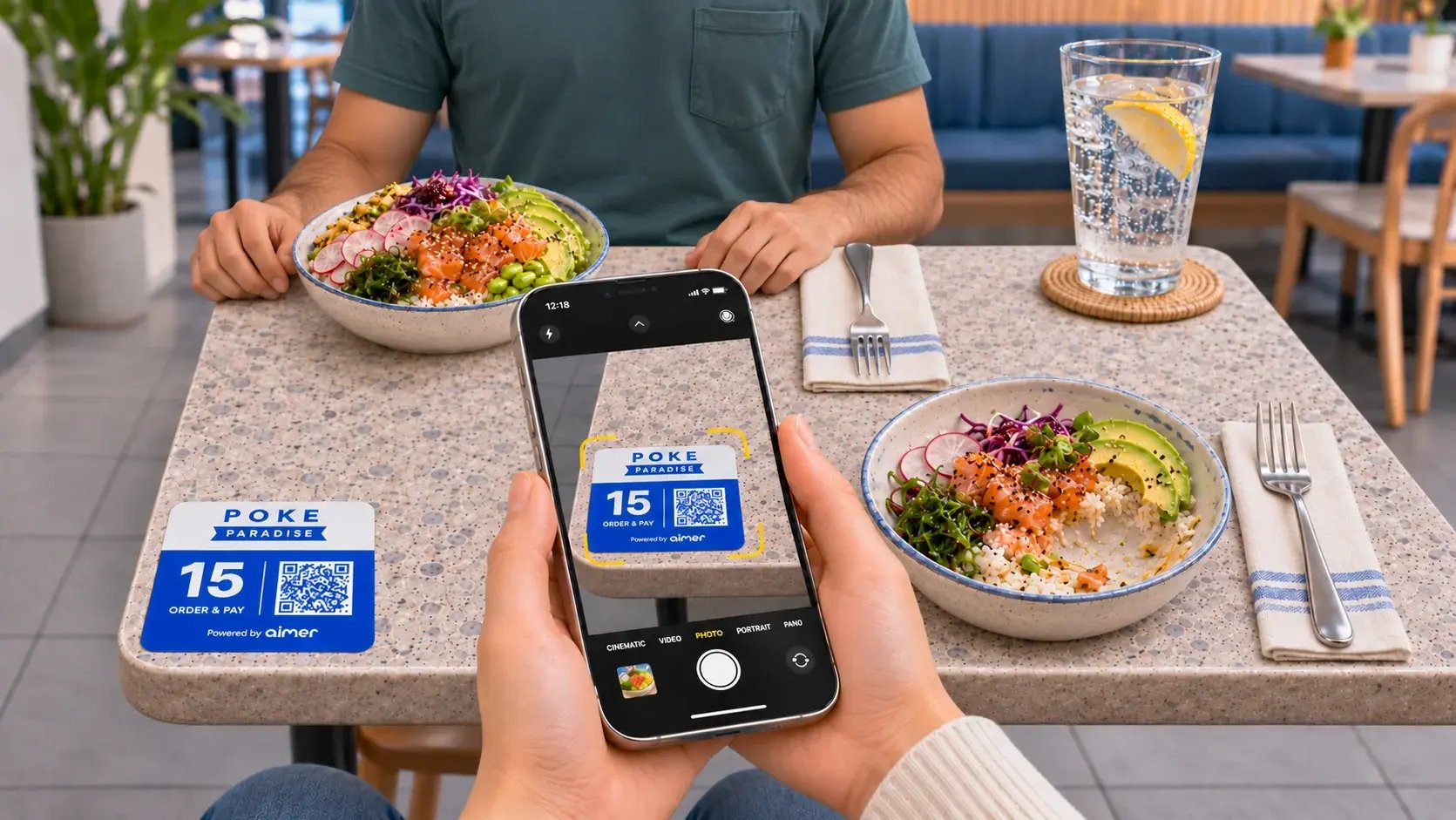
- Scan: The customer points their phone camera at the QR code on the table.
- Browse: The menu opens in their browser, showing items, options and prices.
- Order: They choose items and options, and review the order before sending it.
- Pay: They pay on their phone using a supported mobile payment method.
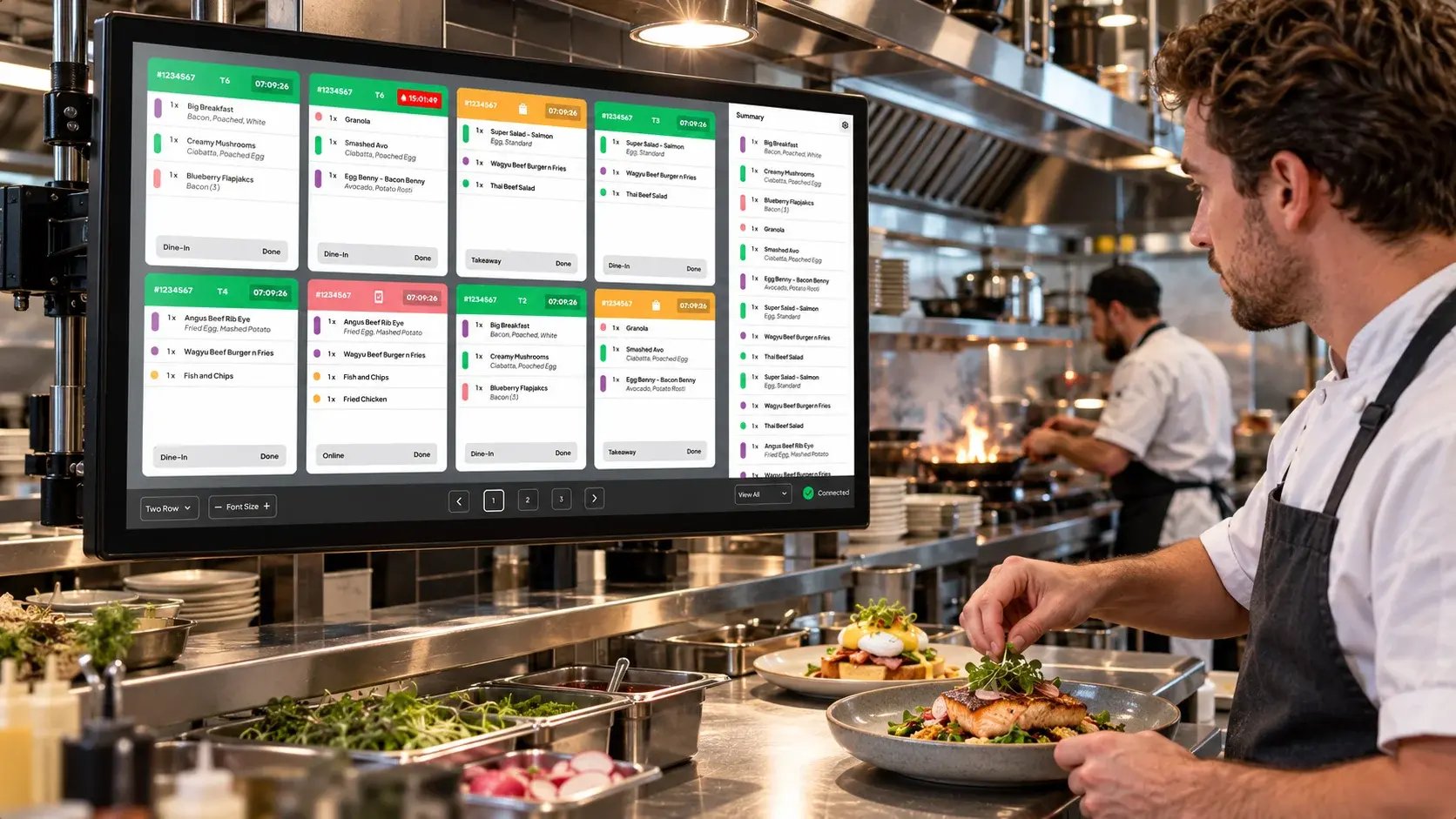
- Kitchen: The order is sent to the kitchen, marked with the table number.
Do customers need to download an app?
No. QR table ordering runs in the phone's web browser. Customers scan the code and the menu opens straight away, which removes the step of finding, downloading and signing up for an app before ordering.
Which venues is QR table ordering suited to?
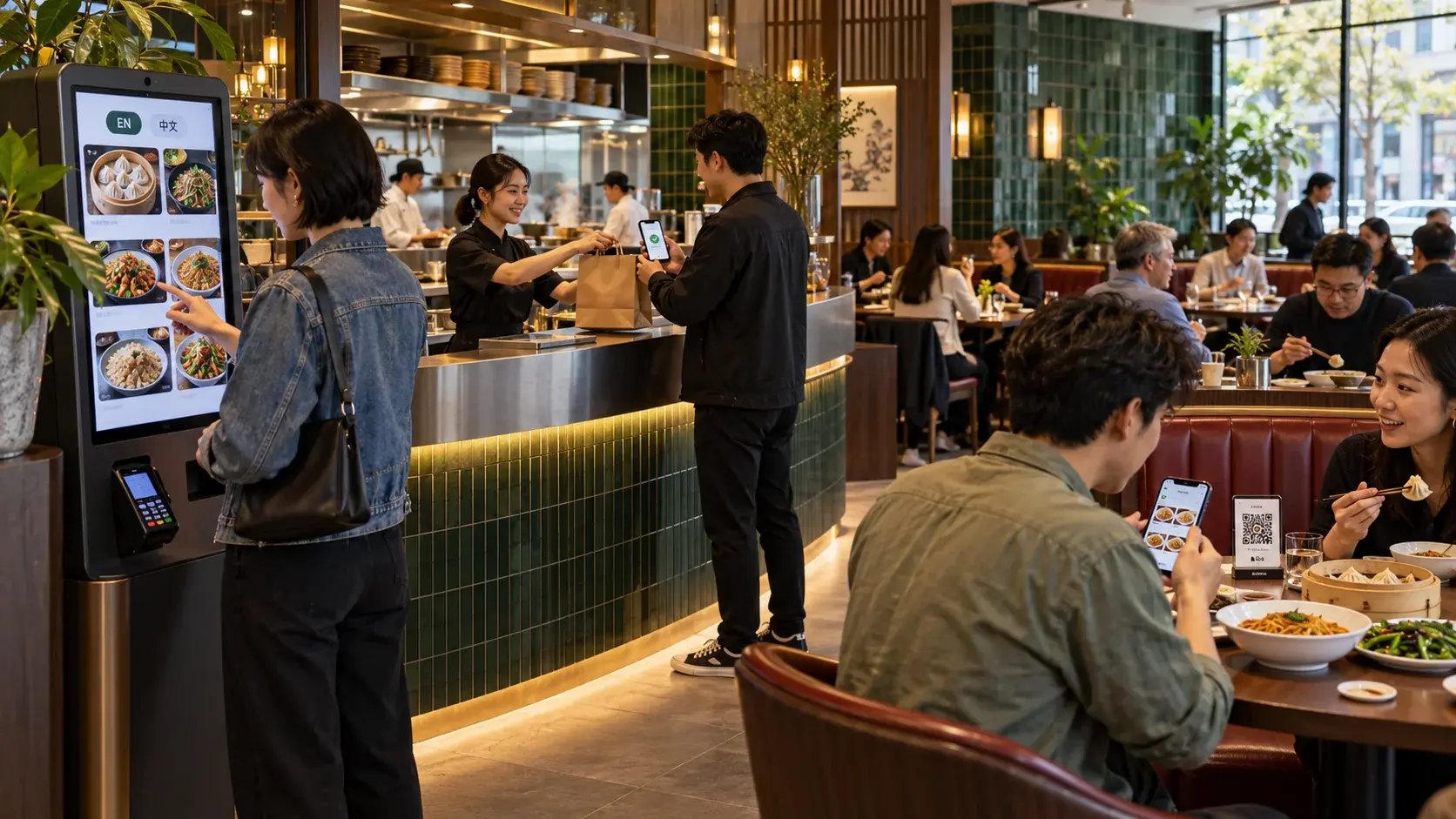
It suits dine-in venues where customers sit down before they order, such as table-service restaurants and cafés. Counter-service venues, where customers order and then wait for their food, may suit a self-service kiosk better. For a side-by-side comparison, read Kiosk vs Table QR Ordering.
Can the menu be shown in more than one language?
That depends on the system. If you serve customers who speak different languages, check which languages the menu supports. Aimer Table QR Ordering is available in English, Chinese and more. Read more about ordering options for Chinese restaurants in NZ.
What should you check before setting up QR table ordering?
- No app required: The menu should open in the browser without a download.
- Payment methods: Check which mobile payments customers can use, including options such as Alipay and WeChat Pay if your customers use them.
- Connection to the kitchen: QR orders should reach the same kitchen screen or printer as your other orders. See how a kitchen display system handles orders from several channels.
- Branding: Check whether the menu and the QR cards on your tables can match your brand.
- Loyalty: Check whether customers can earn rewards when they order at the table.
- Customers without a smartphone: Keep another way to order, such as your counter, so every customer can order.
About Aimer Table QR Ordering
Aimer Table QR Ordering lets customers scan, order and pay from any phone, with no app required. It supports English, Chinese and more, comes with custom branded QR cards, and includes customer loyalty and mobile payments. Payments run through AimerPay, which natively integrates Alipay, WeChat Pay and UnionPay.
Frequently asked questions
Does QR table ordering replace waiting staff?
Not necessarily. QR ordering takes over order-taking and payment at the table, so staff can focus on preparing food, serving and looking after customers.
Can I use QR table ordering and a kiosk together?
Yes. If you have both dine-in and takeaway customers, you can offer QR codes on tables and a kiosk near the entrance. Read What Is a Self-Service Kiosk? to learn more.
Can the QR cards match my branding?
Yes. Aimer provides custom branded QR cards for your tables.
Book a demo to see Aimer Table QR Ordering in action.